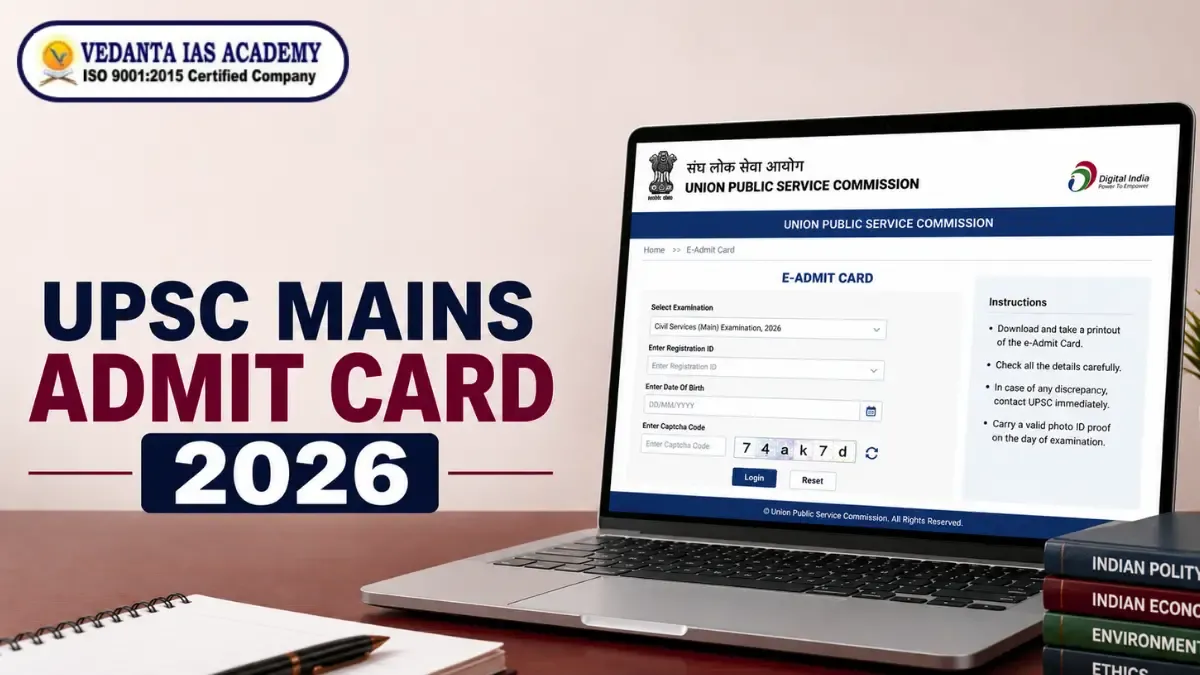
UPSC Mains Admit Card 2026: Direct Link & Download Guide

UPSC Mains Admit Card 2026 Out Soon: Download Guide & Hall Ticket Direct Link
The official digital admit card for the UPSC Mains in 2026 is issued by the Union Public Service Commission to candidates who have passed the preliminary examination. This admit card is required as a form of authorization in order to take the Civil Services Mains examination and contains important information such as the locations of the examination centers, the roll numbers, and the session timetables. Candidates are required to download and print this document in order to gain access to the examination hall.
UPSC Mains Admit Card 2026: Key Overview & Expected Release Date
The Union Public Service Commission releases the Civil Services Mains hall ticket approximately two to three weeks before the examination begins. Candidates can access their hall ticket online through the official portals (upsc.gov.in and https://upsconline.gov.in/eadmitcard/). The Commission does not send physical admit cards by post.
|
Parameter |
Details |
|
Exam- Conducting Body |
Union Public Service Commission (UPSC) |
|
Exam Name |
Civil Services (Main) Examination 2026 |
|
Document Type |
e-Admit Card / Hall Ticket |
|
Mode of Availability |
Online Only (PDF Download) |
|
Official Portals |
upsc.gov.in | https://upsconline.gov.in/eadmitcard/ |
|
Mandatory Details for Login |
Registration ID (RID) or Roll Number + Date of Birth |
Official Exam Dates & Time Table (Paper-wise Schedule)
The Civil Services Mains Examination consists of nine subjective, descriptive papers conducted over two weekends. Candidates must verify their specific shift timings on their downloaded hall ticket.
- Paper A (Compulsory Indian Language): Forenoon Session (9:00 AM to 12:00 PM)
- Paper B (English): Afternoon Session (2:00 PM to 5:00 PM)
- Paper I (Essay): Forenoon Session (9:00 AM to 12:00 PM)
- Paper II (General Studies I): Forenoon Session (9:00 AM to 12:00 PM)
- Paper III (General Studies II): Afternoon Session (2:00 PM to 5:00 PM)
- Paper IV (General Studies III): Forenoon Session (9:00 AM to 12:00 PM)
- Paper V (General Studies IV - Ethics): Afternoon Session (2:00 PM to 5:00 PM)
- Paper VI & VII (Optional Papers I & II): Forenoon & Afternoon Sessions
Also Read: UPSC Mains Syllabus 2026
How to Download UPSC Mains Admit Card 2026?
To download the hall ticket, you will need to log in to the official website using the Registration Identifier or Preliminary Examination Roll Number. Candidates are advised to use a new version of a web browser and a good, steady internet connection to avoid getting interrupted download failures.
1. Downloading via Registration ID (RID)
- Visit the official candidate portal: upsconline.gov.in/eadmitcard/
- Click on the link titled e-Admit Card for Civil Services (Main) Examination 2026.
- Read the instructions carefully and click Yes to proceed.
- Select the option By Registration ID (RID).
- Enter your 11-digit Registration ID, Date of Birth, and the captcha code.
- Click Submit to view and download your hall ticket PDF.
2. Downloading via Roll Number
- Navigate to the UPSC login page on upsconline.nic.in.
- Select the option By Roll Number.
- Enter your 7-digit Prelims Roll Number along with your Date of Birth.
- Fill in the visual captcha code shown on the screen.
- Click Submit to open your hall ticket.
Also Read: UPSC Mains 2026 Application Form
Forgot Registration ID / Roll Number? How to Retrieve Credentials
People who have had their registration number cancelled can get it back directly from the official portal by using the contact details they provided when they first submitted the Detailed Application Form (DAF). The portal checks the applicant's identity using the information given at that initial DAF submission.
Step-by-Step Recovery Process Using Registered Email / Phone Number
- Open the login page on upsconline.nic.in.
- Click on the link "Forgot RID?" located near the login fields.
- Enter your full name exactly as typed in your application.
- Enter your father's name, mother's name, and date of birth.
- Provide your registered email address and mobile number.
- Enter the captcha image text and press Submit.
- The portal will send your retrieved registration ID to your registered email address and mobile number.
Crucial Details to Verify on Your UPSC Mains e-Admit Card
Every candidate must cross-check all entries printed on their hall ticket immediately after downloading. Any spelling error or incorrect information must be reported to the Commission without delay.
Candidate Details (Name, Photo, Signature, Roll No)
Ensure your full name matches your official government identity documents. Verify that your photograph and signature images are clear, unblurred, and correctly displayed in their assigned boxes.
Exam Centre Name, Venue Code, and Session Timings
Check the complete address of your assigned examination venue, including the venue code. Note down the exact morning and afternoon shift timings to plan your travel route efficiently.
What to Do in Case of Discrepancy or Mistake in Admit Card?
If there is any mistake in your personal details, examination center, or photograph on the hall ticket, notify the Commission immediately. Operating with an uncorrected hall ticket can lead to disqualification at the examination center.
Official UPSC Helpdesk Contact Details & Email Escalation Process
- Email Escalation: Send an email detailing the issue to web-upsc@nic.in or uscs-upsc@nic.in.
- Details to Include: Attach your Registration ID, name, Roll Nuregistrationmber, Year of exam, and a clear screenshot or scan of the discrepancy.
- In-Person / Telephone Support: Contact the UPSC Facilitation Counter in New Delhi at 011-23385271 or 011-23381125 during working hours.
Mandatory Documents to Carry to the UPSC Mains Exam Hall
Entry into the examination hall requires candidates to present specific identity documents alongside their hall ticket. Failure to produce original identity documents results in immediate denial of entry.
- Printed Copy of e-Admit Card: Clear printout on standard A4 paper.
- Original Photo ID Proof: Matching the ID number specified in your DAF.
- Passport-Size Photographs: Required if your photo on the admit card is blurry or missing.
- Black Ballpoint Pens: Required for filling attendance sheets and writing descriptive answers.
Original Government Photo ID Proof (Matching with DAF/Admit Card)
You must carry the original photo identity card specified in your Detailed Application Form. Accepted identity proofs include:
- Aadhaar Card / E-Aadhaar
- Voter Identity Card
- Permanent Account Number (PAN) Card
- Passport
- Driving License
Common Mistakes to Avoid
- Waiting till the last day: This may lead to technical delays caused by heavy traffic on the site.
- Printing Issues: The hall ticket gets smudged when printed on low-quality paper, or the bar code or details are smudged.
- ID Mismatch: Presenting a photo ID different from the one that was listed in the application form.
- Late for the exam (less than 30 mins): If you arrive less than 30 minutes before the exam, it will be automatically rejected.
- Use of Incorrect Pens: Gel pens and blue ink pens instead of the prescribed black ballpoint pen.
Frequently Asked Questions (FAQs)
Q1: Will UPSC send a hard copy of the Mains Admit Card by post?
Ans: No. UPSC does not send out physical admit cards. Your e-Admit Card must be downloaded and printed from the official website upsconline.nic.in.
Q2: What if my photo or signature is not visible on the e-Admit Card?
Ans: Take two photos (passport size), an original photo ID proof, and a signed written declaration for all exam sessions held at the center.
Q3: Is it compulsory to print all pages of the UPSC e-Admit Card?
Ans: Yes. All pages, including the candidate details page and the official instruction sheets, must be printed—candidates' details will be checked at the venue by the invigilators, and the official instruction sheets will also be checked.
Q4: What should I do if the official download portal works slowly?
Ans: Clear your browser cache, switch to a different browser (like Chrome or Firefox), or attempt downloading during off-peak hours early in the morning or late at night.
Q5: Can I change my assigned exam center after the admit card is issued?
Ans: No. UPSC strictly prohibits exam center or venue changes once e-Admit Cards are generated. You must report to your assigned center.
Q6: Is an electronic copy of the admit card on a mobile phone allowed at the venue?
Ans: No. Digital copies or PDFs on mobile devices are strictly rejected. You must bring a physical paper printout of your hall ticket.
0 Comments
No comments yet. Be the first to comment!
Reply to this Post
Newsletter
Letest Posts

UPSC CSE 2027 Preparation Strategy: Complete Study Plan for Beginners
UPSC | 1 months ago
UPSC Mains Admit Card 2026: Direct Link & Download Guide
UPSC | 2 months ago
UPSC Mains 2026 Exam Date, Syllabus, Time Table, Schedule
UPSC | 3 months ago
UPSC Mains 2026 Application Form: How to Fill Online Step-by-Step Guide
UPSC | 3 months ago
UPSC Mains Syllabus 2026: All 9 Papers Explained with Free PDF Download
UPSC | 3 months ago
UPSC Prelims 2026 Result Out: 13,343 Candidates Qualify for UPSC Mains
UPSC | 3 months ago
S-400 Air Defence System Explained: Impact on India’s Strategic Sovereignty
UPSC Current Affairs | 3 months ago
UPSC Prelims 2026 Result Out Soon: Expected Date & PDF Download
UPSC Current Affairs | 3 months ago
Index Rebasement and Index of Industrial Production (IIP): Key Points , Impact and Way Forward
UPSC Current Affairs | 4 months ago
Delhi Hotel Fire: Governance Challenges, Infrastructure Deficits and the Way Forward
UPSC Current Affairs | 4 months ago
Overcrowding of Prisons and Undertrials in India: Analysis of Governance, Jurisprudence and Ethics
UPSC Current Affairs | 4 months ago
Illicit Liquor Tragedy and Regulatory Failure: A Deepening Public Health Crisis
UPSC Current Affairs | 4 months ago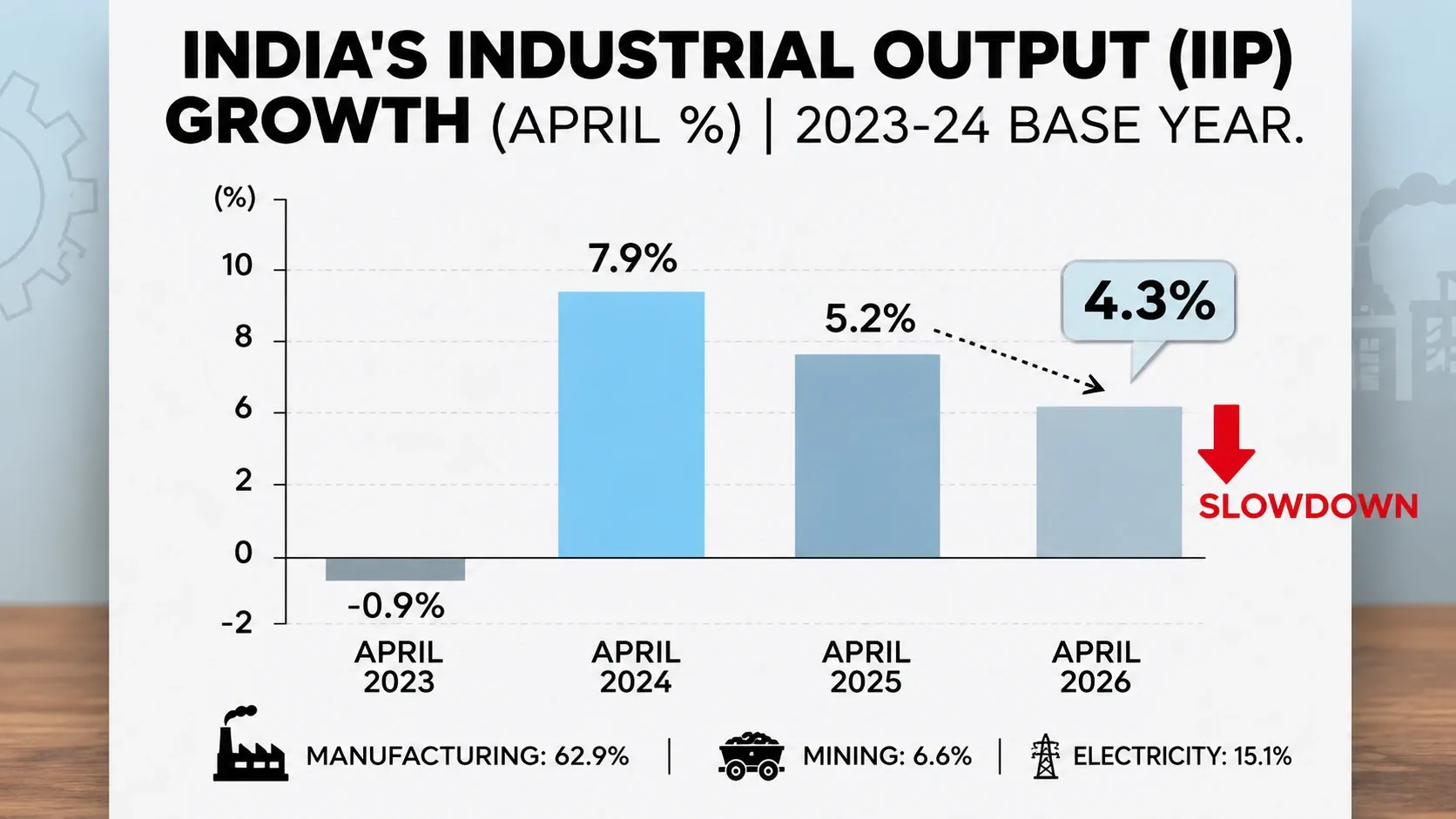
Slowdown in Index of Industrial Production (IIP): Technical Changes of New Series, Challenges and Way Forward
UPSC Current Affairs | 4 months ago